



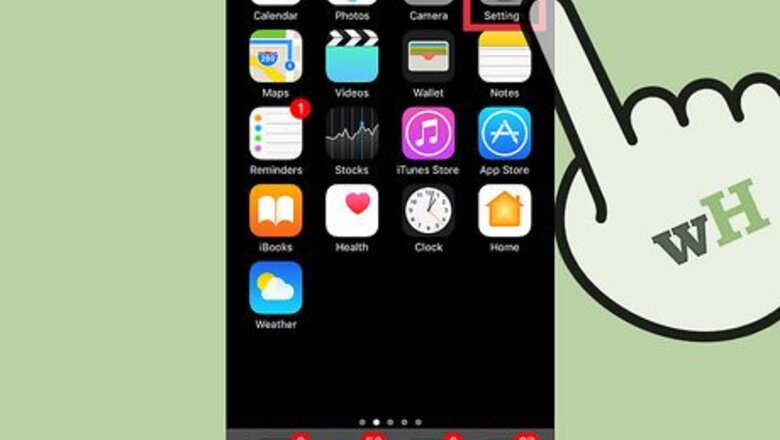

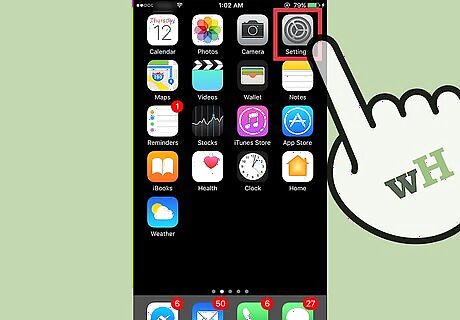
Open your iPhone’s Settings. This is the app with the gray cogs icon, usually found on one of your home screens or in a folder labeled “Utilities.”
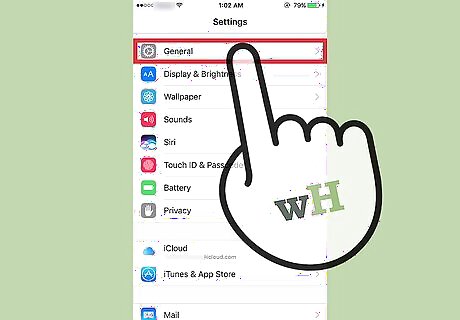
Tap General. This will be located at the top of the third section of menu options.
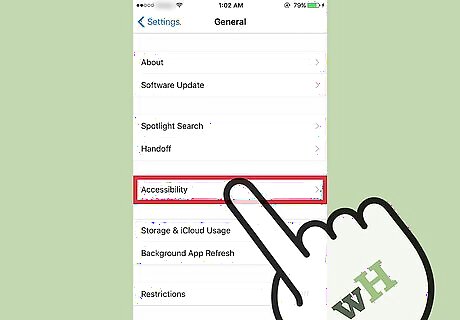
Tap Accessibility. You can find this near the middle of your screen.
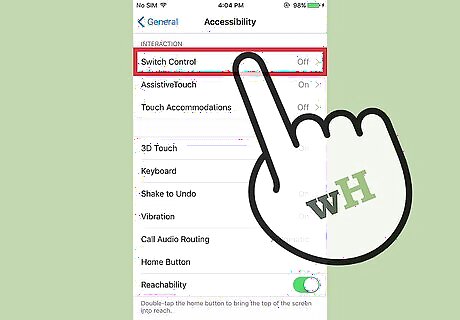
Scroll down and tap Switch Control. This will be under the “Interaction” tab. On the Switch Control menu, you will see several options under “Timing”. Auto Scanning Time: This menu allows you to adjust Switch Control's scanning intervals. Pause on First Item: This gives you the option to set the Switch Control's scanning to pause on the first item in a group. Loops: This allows you to set how many times Switch Control cycles through the screen. Move Repeat: This gives you options to set a movement action to repeat while holding down a switch, and how long to wait before repeating. Long Press: You can set how long to hold down a switch before it’s accepted as a switch action.











Comments
0 comment