






Open Telegram on your Android. It's the white paper airplane on a blue background in the app drawer.

Tap Android 7 Search. It's at the top-right corner of the screen.
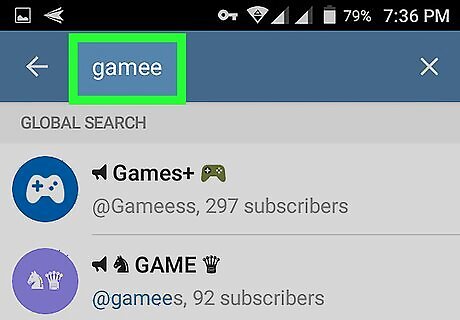
Type gamee. A list of matching results will appear.
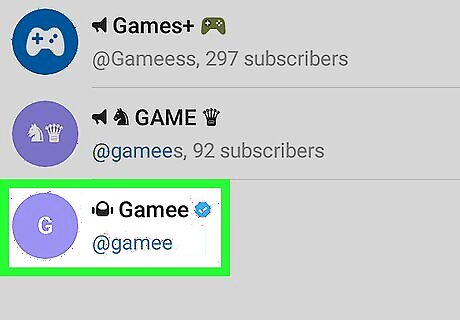
Tap Gamee. It's the green icon with a “G” inside. This opens the bot's information page.

Tap START. It's at the bottom of the screen. The bot will now challenge you to a game. If you've used this bot before, tap RESTART instead.
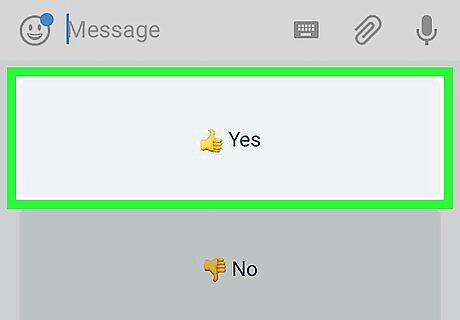
Tap Yes. This loads a game in the window. A game preview will appear. If you want to play this game, just tap the preview to launch it. Otherwise, move to the next step.

Send the bot a random response. Type something it won't understand (like a bunch of letters or numbers). This will open a menu.
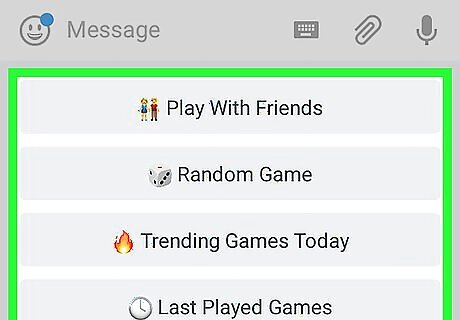
Select a game option. There are many games and ways they can be played. Tap Categories to view a list of available games by category. Tap Play With Friends to invite a friend to play with you. Tap Random Game to make Games choose a new game. Tap Trending Games Today to see which games are popular.











Comments
0 comment